
Office Labeling Systems That Reduce Search Time and Clutter
Posted by Affordable Address Labels on Aug 2nd 2025
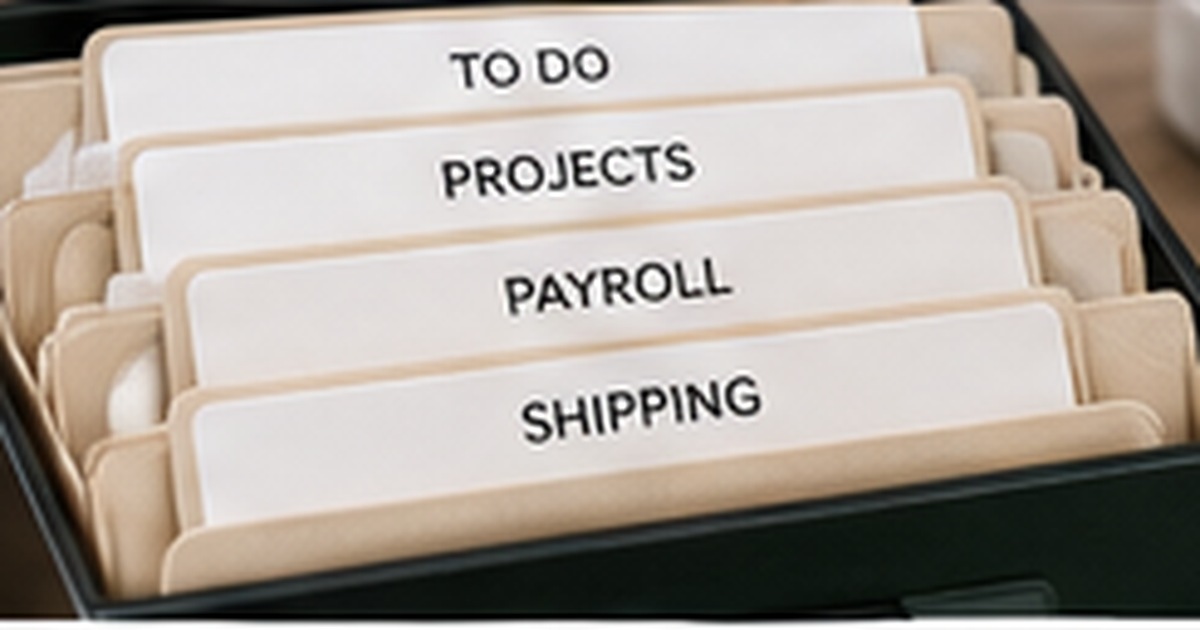
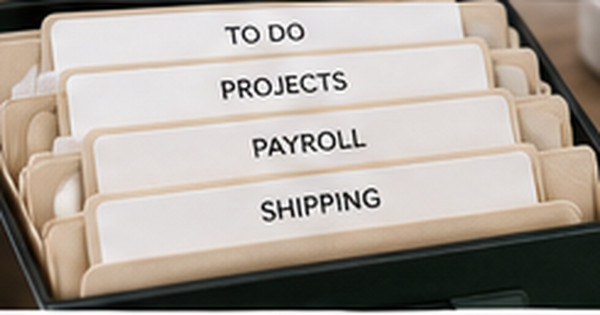
An office labeling system should help people find, use, and return information with less thought. When labels are inconsistent, overly specific, or based on one person’s memory, the workspace becomes a collection of containers that still require searching.
Effective labels reflect workflow. They identify where active work lives, where reference records belong, who owns shared supplies, and when outdated material should leave the space.
Organize by action and retrieval pattern
Begin with the questions people ask: What needs attention today? Where are current client files? Which supplies can anyone use? What must be retained? Categories such as “To Process,” “Waiting,” “Active Projects,” and “Archive” often support work better than labels based only on document type.
Observe where papers and tools naturally collect before assigning storage. A tray located across the room from the printer may stay empty even when its label is correct. Placement and wording must support the same behavior.
Use a clear naming standard
Choose consistent capitalization, date formats, abbreviations, and project names. If one file says “Acme,” another says “ACME Client,” and a third uses an internal code, searching becomes slower and electronic records may not match physical ones.
Keep labels short enough to scan. Add details to a folder index or digital record rather than compressing a paragraph onto a small tab.
Separate active, reference, and archival material
Active items deserve the easiest access and the most visible labels. Reference materials can live slightly farther away, while archival records should be grouped by retention rule and date. Mixing all three stages fills prime workspace with information that is rarely used.
Use review dates or year labels where appropriate. A file system without a removal process becomes more crowded even when every folder is neatly named.
Test the system with another person
Ask a coworker or family member to locate and return several items without coaching. Their hesitation shows where terminology, placement, or category boundaries are unclear. A system that only the creator understands is not complete.
Keep temporary labels during the first month, then produce permanent versions for categories that remain stable. This trial period prevents a polished but impractical arrangement from becoming difficult to change.
Measure whether the labels actually save time
Before reorganizing, time several common retrieval tasks: finding a current client file, returning shipping supplies, locating a tax record, or identifying the next item to process. Repeat the same tasks after the new labels have been used for two weeks. Even informal timing reveals where the system improved and where categories remain unclear.
Track items that repeatedly land outside their labeled home. The problem may be wording, capacity, location, or ownership. Moving a container closer to the activity or renaming a category can be more effective than adding another label. Productivity comes from fewer decisions, not from maximizing the number of labeled surfaces.
Document who is allowed to create new categories. Without a simple rule, every project can introduce another naming style and the system slowly fragments. A shared label template, approved vocabulary, and periodic cleanup keep the office understandable as employees, clients, and priorities change.
Keep an unlabeled temporary zone for items that do not yet have a stable home. Review it weekly. This prevents uncertain material from being forced into the wrong category while still keeping desks and shared surfaces clear.
Quick checklist
- Identify common retrieval questions
- Place storage near the related action
- Use consistent names and date formats
- Separate active, reference, and archive stages
- Add a review or retention process
- Test the system with another user
Frequently asked questions
Should every drawer and shelf be labeled?
No. Label shared, easy-to-confuse, or frequently searched locations. Too many labels create visual noise.
What is the best way to label active projects?
Use a consistent project name plus owner or next-action information when several people share the space.
How often should office labels be reviewed?
Review active categories monthly or quarterly and archival labels whenever retention or business processes change.
Design labels around how work moves
Office labels create value when they shorten decisions and make returning items obvious. Build categories from real workflow, test them with another person, and revise before making every label permanent. Use custom labels for stable storage and temporary options while the system is evolving.