
Home Office Organization with Custom Labels
Posted by Affordable Address Labels on Aug 16th 2018
A home office collects several different kinds of clutter: incoming mail, active projects, reference papers, tax records, chargers, shipping supplies, and items that belong to other family members. Labels are useful because they create decisions in advance. When a document arrives, the destination is already named.
The goal is not to label every drawer. It is to identify the places where hesitation, misfiling, and repeated searching occur. A small number of clear categories can make the room easier to use and easier to reset at the end of the day.
Separate action items from reference storage
Incoming papers should not enter the archive before they are handled. Create visible categories such as To Pay, To Sign, To File, To Discuss, and To Scan. These are temporary action labels, not permanent subjects.
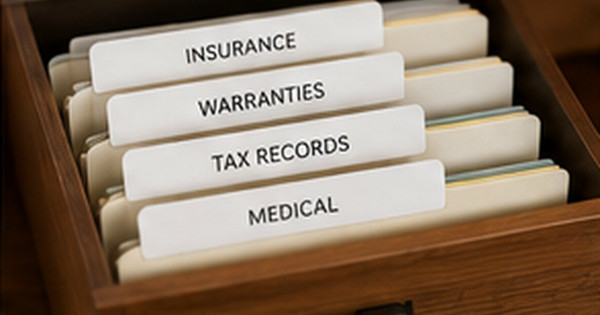
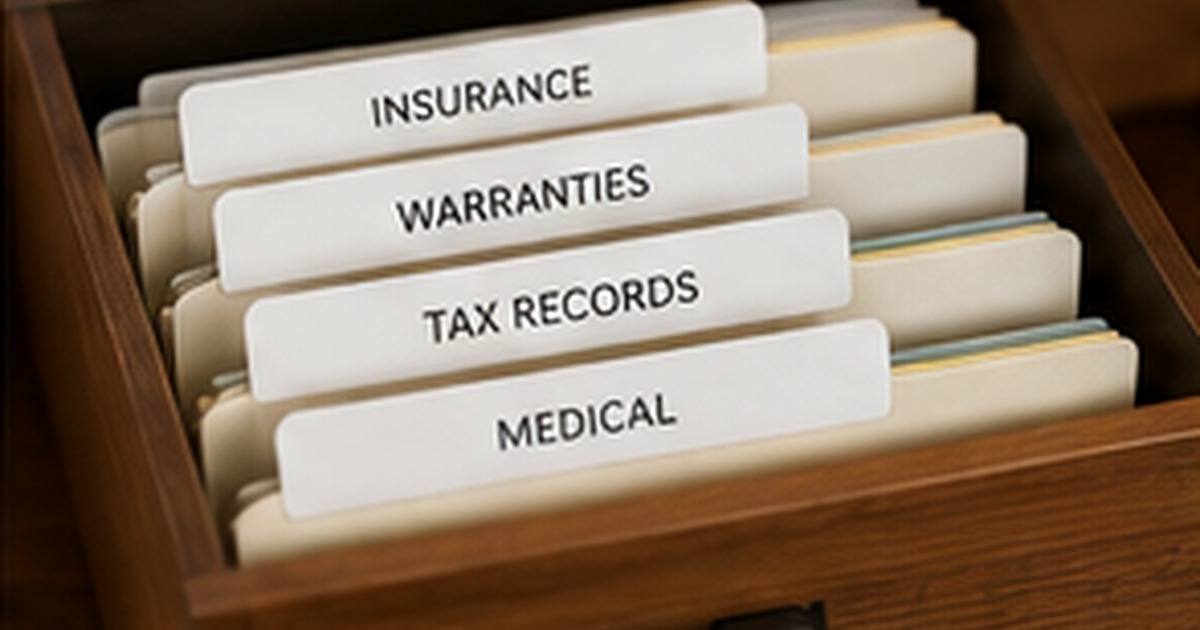
Once an item is complete, move it into a reference category such as Insurance, Taxes, Medical, Home, Auto, School, or Business. Mixing pending work with completed records makes both harder to find.
Name files for the way you search
Use labels that match the words you naturally think of. If everyone says “car papers,” a file called “Automotive Asset Documentation” will not improve the routine. Add years where retention and annual review matter: Taxes 2025, Insurance 2026, School 2025–26.
Avoid one overflowing Miscellaneous file. When a new category appears more than a few times, give it a name. At the same time, do not create a separate folder for every single paper. Categories should be broad enough to survive ordinary changes.
Label cables and shared equipment
Chargers and adapters are easier to manage when both ends identify the device or owner. A short label such as Laptop, Printer, Camera, or Craig Phone is usually enough. Add a matching label to the storage slot if cables are removed frequently.
For routers, hard drives, and backup media, include only safe operational information. Passwords and sensitive access details should not be displayed publicly. Use an asset name or code that connects to a secure record.
Create a weekly reset that the labels support
Choose one short weekly time to empty the To File tray, return supplies, shred unnecessary papers, and review deadlines. Labels make the reset faster because every item has a known destination.
If a category is always empty or another constantly overflows, adjust the system. Organization should respond to actual volume. The label is a tool, not a permanent rule that must be defended after the work changes.
Test the system during an ordinary week
A labeling system should be judged when groceries are rushed, paperwork arrives, or several people use the same space. Notice where items naturally land and whether the label describes that behavior clearly. Repositioning one bin may solve more than adding five new categories.
Use temporary labels during the first few weeks, then make permanent versions only for categories that remain stable. This trial period protects the budget and prevents a polished system from locking the household into labels that looked good but did not support daily life.
Connect paper and digital filing names
Use the same major category names in file drawers and digital folders whenever possible. A paper folder labeled Home Insurance should correspond to a digital folder with the same wording rather than a separate abbreviation. Matching names reduce the mental translation required when scanning or retrieving records.
Add a short index at the front of the file drawer or inside a cabinet door for categories that are not obvious. The index can point to paper, digital, or off-site locations without exposing passwords or sensitive details. This makes the system easier to share with a spouse, assistant, or family member during an urgent situation.
Quick checklist
- Create temporary action categories
- Separate active and archived records
- Use familiar names
- Add years to time-sensitive files
- Label both cable and storage location
- Schedule a weekly ten-minute reset
Frequently asked questions
Should I color-code office labels?
Color can help distinguish work, household, school, and financial records. Keep the number of colors small and pair color with text so the system does not depend on memory alone.
How long should I keep records?
Retention requirements vary by document and jurisdiction. Use reliable legal, tax, and professional guidance rather than a generic label system to determine destruction dates.
Where should incoming mail go?
Use one defined intake tray near the place mail is opened, then sort it into action categories. Multiple piles around the house create duplicate work.
Create an office that explains itself
The best home office labels let anyone understand where a paper or tool belongs without asking. Use custom labels for files, bins, and suitable supplies, and keep address stamps plus correspondence cards at the mail station for tasks that leave the office.